¶ Text block manager
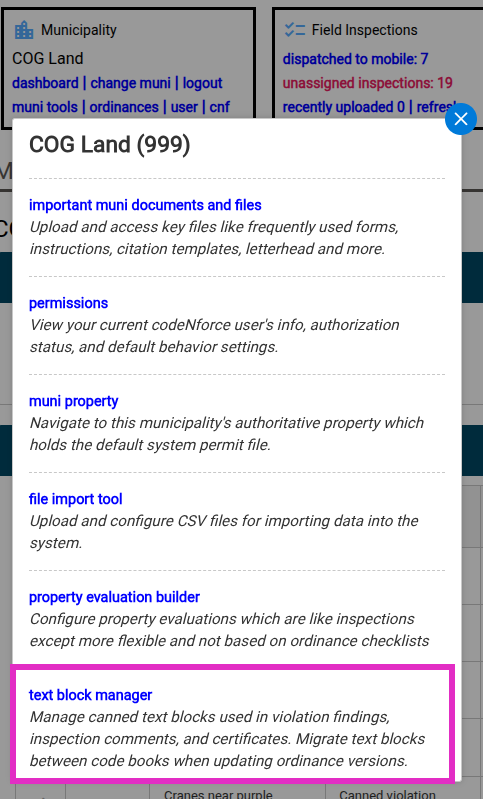
The text block manager is accessed via muni tools > text block manager.
Click Refresh text block list to load all text blocks in your municipality. You can sort by ID, Name, category, and activity status.
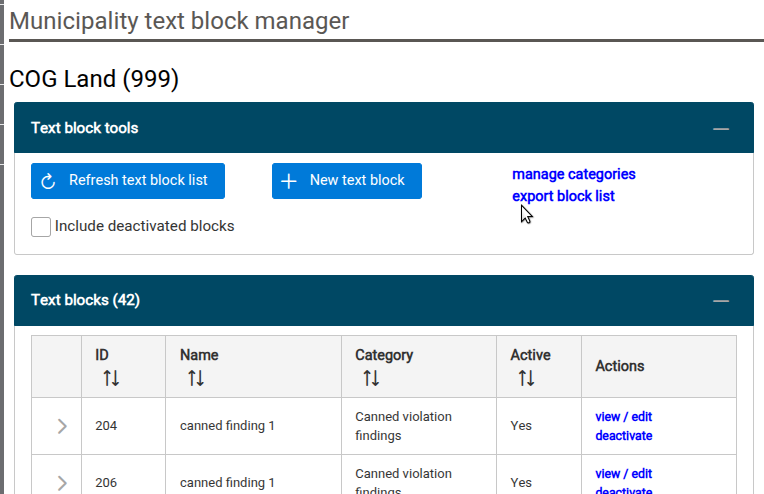
Use the view/edit link in the actions column to load a specific text block. The right column will be populated with delicious information related to your selected text block, such as a reverse lookup showing all the links to the selected block displayed in the Connected Objects panel!
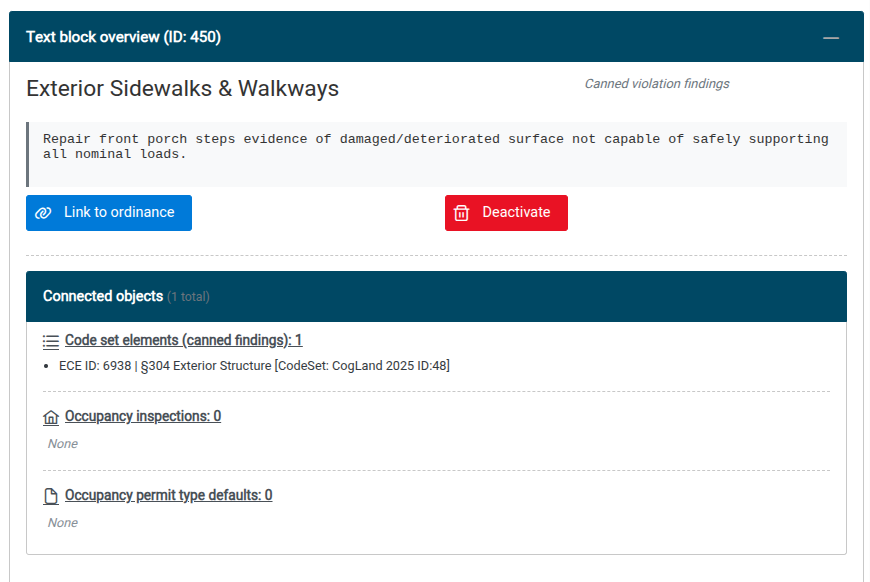
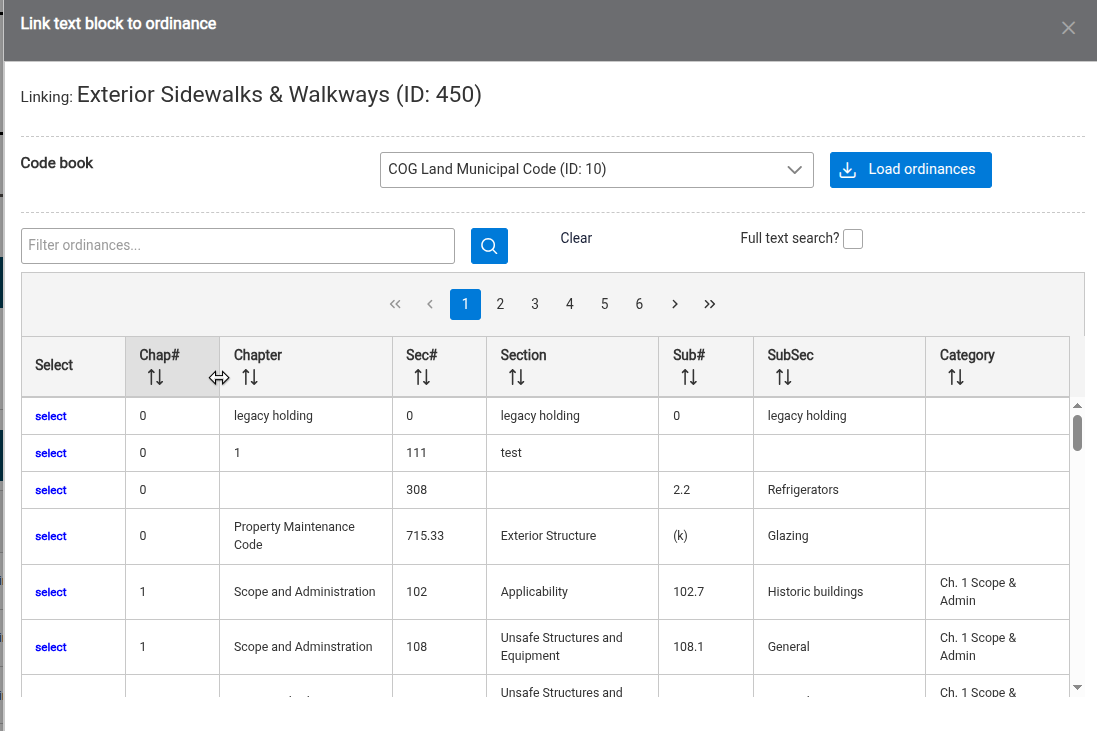
Use the Link to ordinance button to bring up a dialog to load and select enforceable code elements in any code book assigned to your current municipality. At this time, you may only create new links, you cannot remove links. If a link was made in error, the text block itself will need to be deactivated and any desired links will need to be recreated.
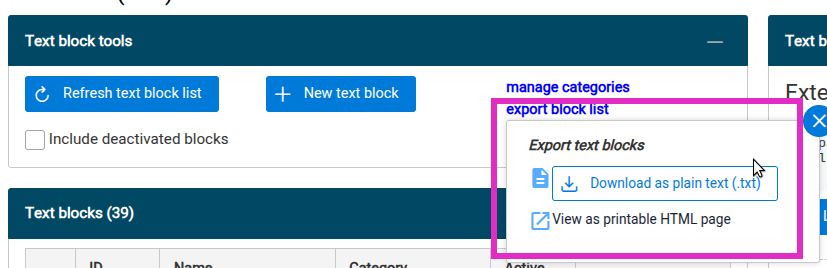
¶ Exporting blocks
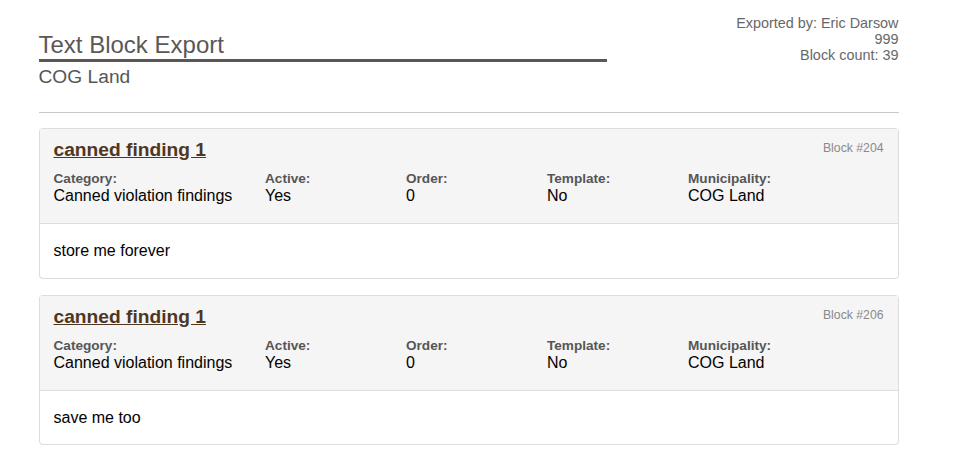
You can even click the blue export block list link in the text block toosl panel to either download all your muni's blocks in .txt format or pretty print them all in a browser print friendly tab!